
WhatsApp invitations
Save This Date app is the a leading app when it comes to send WhatsApp invitations to your event or wedding guests. With the app you can inform your guest about the event and request the to RSVP by Whatsapp...

 RSVP by WhatsApp is useful when your main goal is to collect and organize guest responses. Instead of tracking replies across individual chats, you can send guests a clear RSVP request with a link to your event page and keep attendance in one guest list.
With Save This Date, guests open the RSVP link from WhatsApp, submit their response, and their attendance status is recorded for you. If your main goal is creating or sharing the invitation itself rather than collecting responses, see WhatsApp invitations and Save the Date messages.
The cleanest WhatsApp RSVP flow is: send one clear message → guest taps one RSVP link → guest submits RSVP → you track everything in one guest list. This prevents the common problems of scrolling through chats, missing replies, or losing track of plus-ones.
WhatsApp RSVP is popular for many events, especially when you want fast responses and simple reminders:
If you already know who you’re inviting, you can add guests to your event and send each invitee a WhatsApp invitation that links to your RSVP page. Guests open the link, RSVP, and you immediately see their status in your guest list.
If you don’t have a full guest list yet, you can share your event page in WhatsApp groups and allow guests to register and RSVP on the page themselves. New registrants appear in your guest list, and you can follow up with updates as your event plans evolve.
A high-performing RSVP message answers the basics and makes the action obvious. Include:
Hi [Name]! You’re invited to our wedding on [Date] at [Time] at [Venue/City].
Please RSVP by [Deadline] here: [RSVP Link]
We can’t wait to celebrate with you.
Hi [Name] — quick reminder to RSVP for [Event] by [Deadline].
RSVP here: [RSVP Link]
Thank you!
Hi everyone! Please RSVP for [Event] by [Deadline] here: [RSVP Link].
Event details are on the page as well. Thanks!
If you’re still deciding how to ask for RSVPs (wording, what details to include, and how to avoid confusion), this article helps: How to RSVP.
No. Guests typically RSVP by opening your event page link from WhatsApp and submitting their response. They don’t need to install anything to respond.
Yes. If you’re using public registration, you can share your event page link in groups so guests can register and RSVP themselves.
Your guest list shows attending, declined, and not-yet-responded, so you can follow up without guessing.
Ready to collect RSVPs through WhatsApp? Create your event with Save This Date and start sending invitations today.
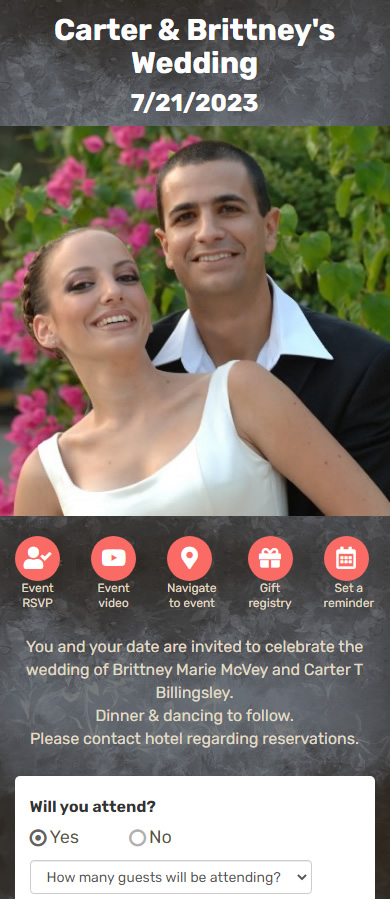
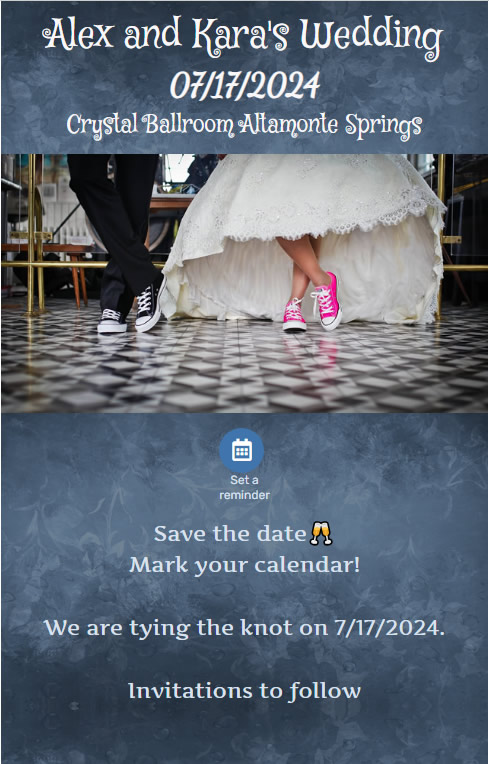
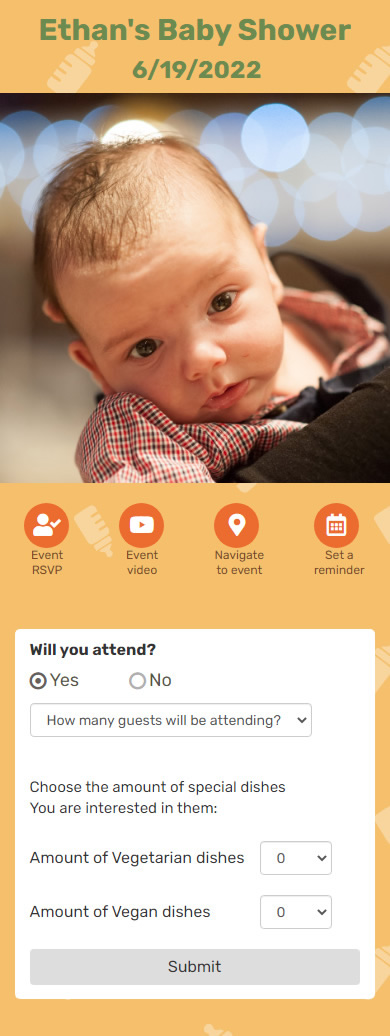

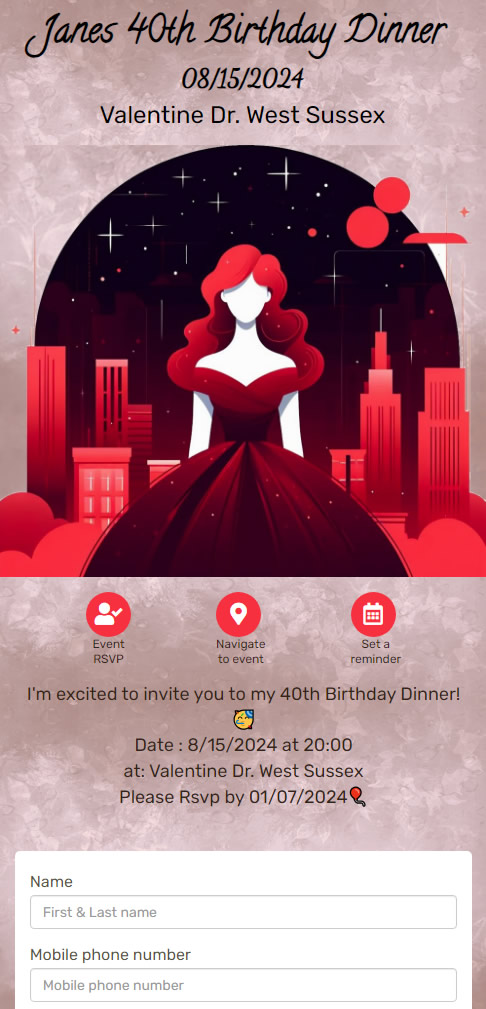

Save This Date app is the a leading app when it comes to send WhatsApp invitations to your event or wedding guests. With the app you can inform your guest about the event and request the to RSVP by Whatsapp...

With Save This Date app you can send your guests text message invitations, WhatsApp invitations and rsvp requests. We recommend that you use our iOS or Android app so you can choose your guests from you mobile phone contacts...

Sending an RSVP by text message is a convenient and fast way for a host to manage responses and for guests to confirm their attendance. Text messages are typically delivered quickly and can be easily accessed on a wide range of devices...

People usually take a lot of effort and spent a lot of time and money planning their event. The problem starts when you want to invite your guests. You're collecting the email address of everybody, saying you'll send them invites. But, once you've sent them - only a small portion of your guests Rsvp...