
Wedding planning checklist
Wedding planning can be a daunting task, but it doesn't have to be. The key is to start early and stay organized. Here are some tips to help you plan the perfect wedding...

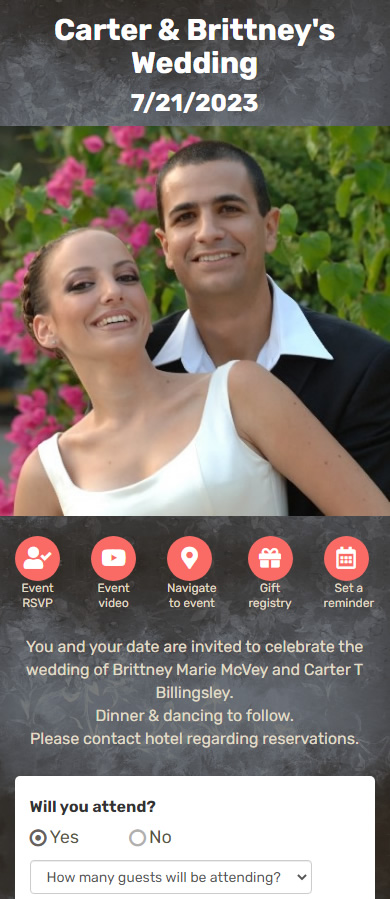
Planning a wedding means coordinating dozens—or hundreds—of guest responses. A wedding RSVP website gives your guests a simple way to confirm attendance online, while giving you one clear place to track who’s coming, who isn’t, and how many seats to plan for.
With Save This Date, couples create a dedicated wedding RSVP website and invite guests to respond online, by SMS, or through WhatsApp—without requiring any downloads or accounts. Guests reply in seconds from their phone, and responses update automatically in your dashboard.
A wedding RSVP website replaces paper reply cards and manual follow-ups with a digital response system. Instead of chasing guests, responses are collected automatically and organized for you.
If you want guests to respond through messaging, see RSVP by WhatsApp. For SMS-based replies, see RSVP via text message (SMS).
Wedding guest lists change frequently. Some guests reply late, others change plans, and keeping counts accurate becomes difficult with spreadsheets or phone calls. An online RSVP website keeps all responses in one place and updates automatically.
Couples commonly use RSVP websites to manage seating counts, meal preferences, and last-minute changes—without manually messaging every guest.
A wedding RSVP website is a digital page where guests confirm attendance online. Instead of mailing reply cards, guests respond from their phone or computer, and hosts see all responses in one place.
No. Guests can RSVP directly from their browser, SMS reply, or WhatsApp message without installing anything.
Yes. RSVP responses update automatically, allowing you to see total guest count and individual replies at any time.
Most couples send RSVP requests 6–8 weeks before the wedding date, giving guests enough time to respond while keeping plans accurate.
Many couples collect guest count as part of the RSVP so they can plan seating and catering more accurately. When you set up your RSVP request, you can ask guests to confirm how many will attend.
A clear RSVP request usually includes the wedding date, location (or a link to details), the RSVP deadline, and a simple way to respond. If you’re collecting meal preference or guest count, mention that up front so guests know what they’ll be asked.
Wedding planning can be a daunting task, but it doesn't have to be. The key is to start early and stay organized. Here are some tips to help you plan the perfect wedding...
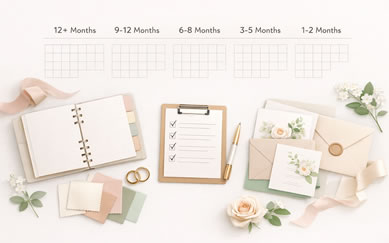
A wedding planning checklist by month what to do and when gives you a clear, month-by-month guide that turns a complex process into a series of small, achievable tasks.

wedding planning mistakes couples regret: Planning a wedding without common pitfalls means avoiding the mistakes couples regret and making clear, practical choices.
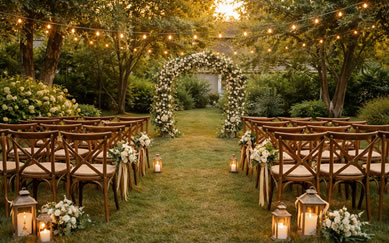
Plan a backyard wedding with confidence: layout, permits, neighbors, weather backups, lighting, seating, and a practical checklist for a beautiful at-home celebration.
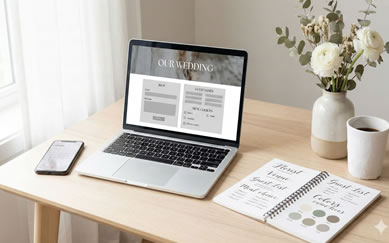
Digital vs paper wedding invitations: compare real-world costs, response rates, convenience, and guest experience—plus when a hybrid approach works best and how to track RSVPs without stress.
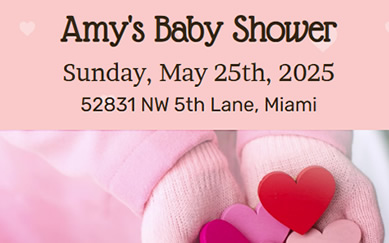
When crafting an RSVP request, there are a few key considerations to keep in mind. First and foremost, be sure to include all relevant information, such as the date, time, location, and dress code of the event...

RSVPs are a critical element of event planning. They help event planners accurately predict attendance and plan accordingly. Without accurate RSVPs, it can be difficult to know how much food to prepare, how many chairs to set up, and how many staff members to hire...

RSVPs play a crucial role in the planning and execution of events, as they help event planners accurately predict attendance and make necessary arrangements. Without accurate RSVPs, it can be difficult to know how much food to prepare, how many chairs to set up, and how many staff...
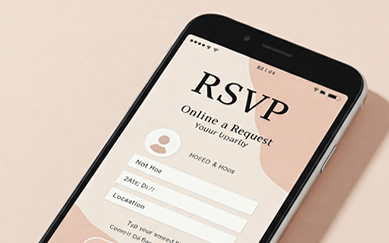
Discover why RSVP by WhatsApp is replacing traditional wedding invitations and email RSVPs. This ultimate guide explains how WhatsApp improves response rates, speeds up guest confirmations, and simplifies event management. Learn best practices, common mistakes, and how to turn WhatsApp into a powerful RSVP system for weddings and events.
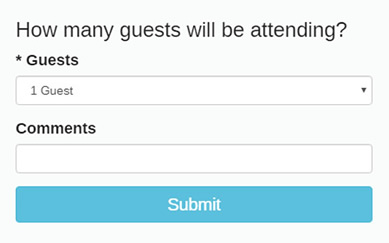
RSVP is a French phrase "répondez s'il vous plaît" which means "Please reply" in English. We use it when we want guests to confirm their attendance to our event. We kindly ask them to "RSVP to our event"...

Save The Date is more than just a phrase - it's the cornerstone of successful event planning. Whether you're organizing a wedding, corporate gathering, or any significant celebration, understanding the importance of Save The Date can make a world of difference in your event's success...

Making a gift registry is important for a few reasons. First, it helps guests know what gifts the bride and groom would like to receive. This can prevent guests from giving duplicate gifts or items that the couple may not want or need...

Using Save This Date app for your birthday is a great way to make the entire process easier, save time, money, and stress. With the app, you can easily create and send birthday invitations, track RSVPs, and manage your guest list....

It's your birthday, and you deserve to celebrate in style! Whether you're turning 21 or 65, there are plenty of creative ways to personalize your birthday celebration and make it one to remember. Here are some fun and unique ideas to help you plan the perfect birthday party....

Planning a baby shower is an exciting opportunity to celebrate the arrival of a new little one and show the expectant mother how much you care. With a little bit of organization and these helpful tips, you can host the ultimate baby shower...

Planning a bridal shower can be a lot of fun, but it can also be overwhelming if you're not sure where to start. Here are some tips to help you plan the perfect bridal shower...

We invite you to style your Quinceanera Invitation and send it to your family and friends with Save This Date app. Let your guests know about your Quinceanera celebration and ask to them to register or RSVP to it. The app will show you all the guests who have Rsvp'd to your Quinceanera and of course show you how many guests are attending...

he possibilities for Christmas party activities are endless, you can tailor the activities to the age and interests of your guests to make the party even more fun. The key to planning a fun Christmas party is to provide activities that will engage and entertain your guests...
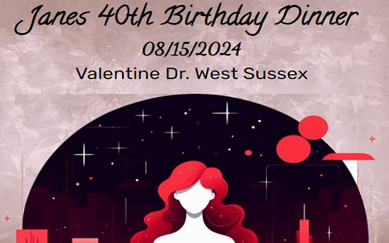
Let’s say you have an event, for example a birthday party, and you want to invite all your family and friends to it. You can always call them over the phone and invite them, or send a printed invitation by mail...